
Security & Compliance
Pro feature
Generating Secret Bypass Links
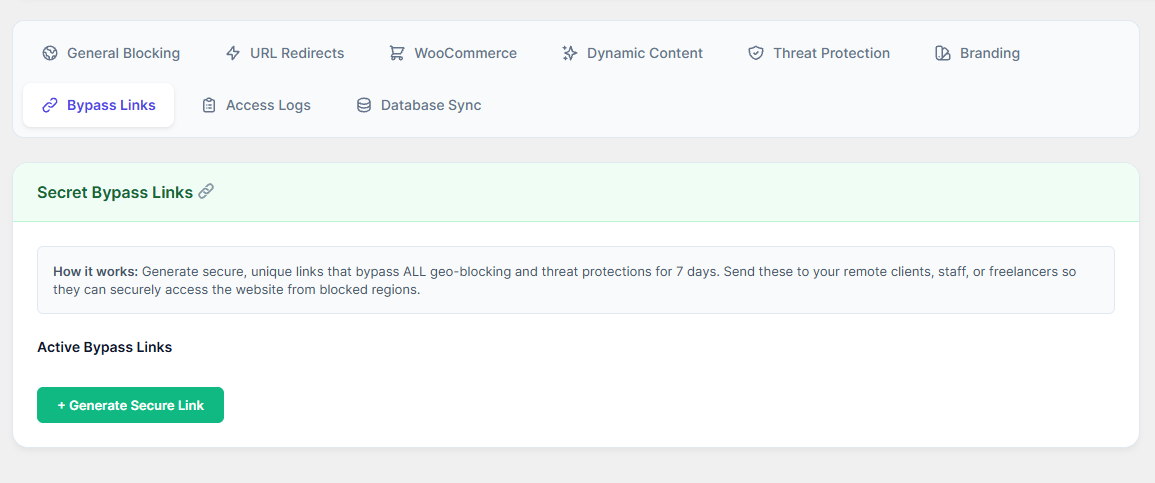
If you have blocked a specific country, but you need your staff, freelancers, or a specific client from that country to access the site, you can use Bypass Links.
How to Configure:
Go to the Bypass Links 🔗 tab.
Click the + Generate Secure Link button.
The plugin will create a unique, secure URL (e.g.,
yoursite.com/?yeasin_bypass=a1b2c3d4).Copy and send this link to your team member.
How it works: When they click the link, a secure cookie is placed on their browser, bypassing all geo-blocking and threat protections for exactly 7 days.
Was this guide helpful?
Thanks for your feedback!