How to Protect wp-admin by Country and IP (Stop Brute-Force Bots)
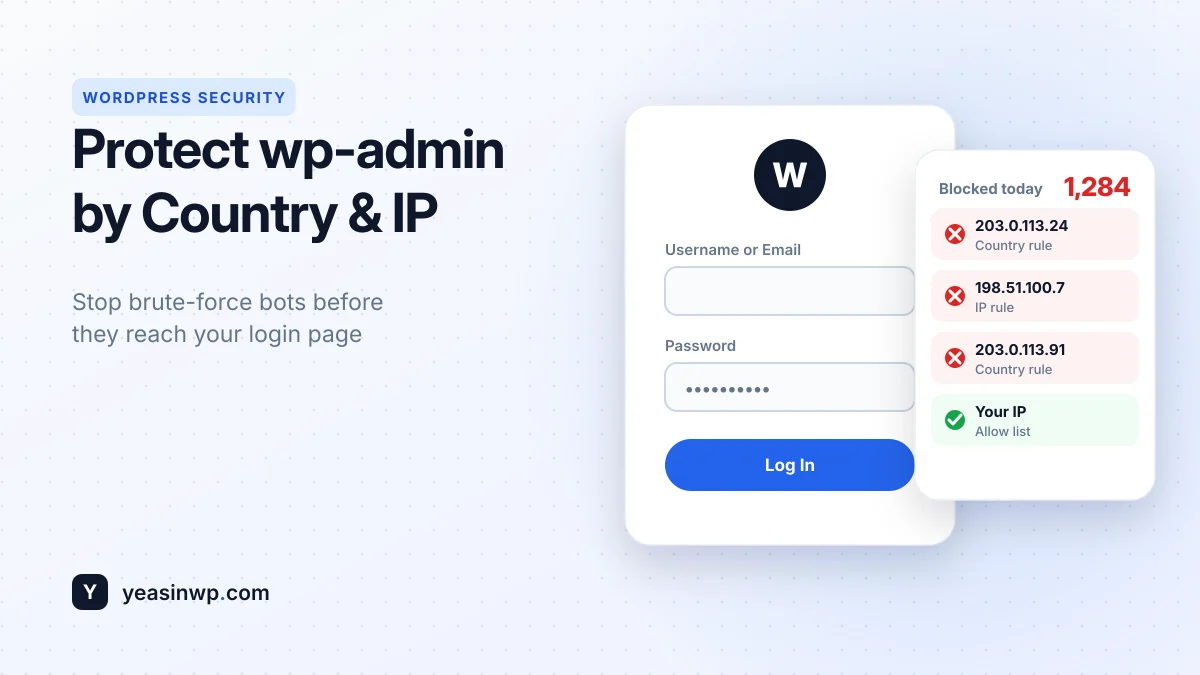
Lock down wp-admin and the WordPress login page by country and IP address, without affecting your public site. Step-by-step setup, testing, and how to avoid locking yourself out.
Block countries and IP addresses in WordPress. Protect wp-admin from foreign bots, keep search engines crawling, and stay fast with a local GeoIP database.
Starter Plan (2 Sites)
Freelancer Plan (5 Sites)
Agency Plan (Unlimited Sites)
Live from WordPress.org · free version 1.0.2 updated 2 weeks ago
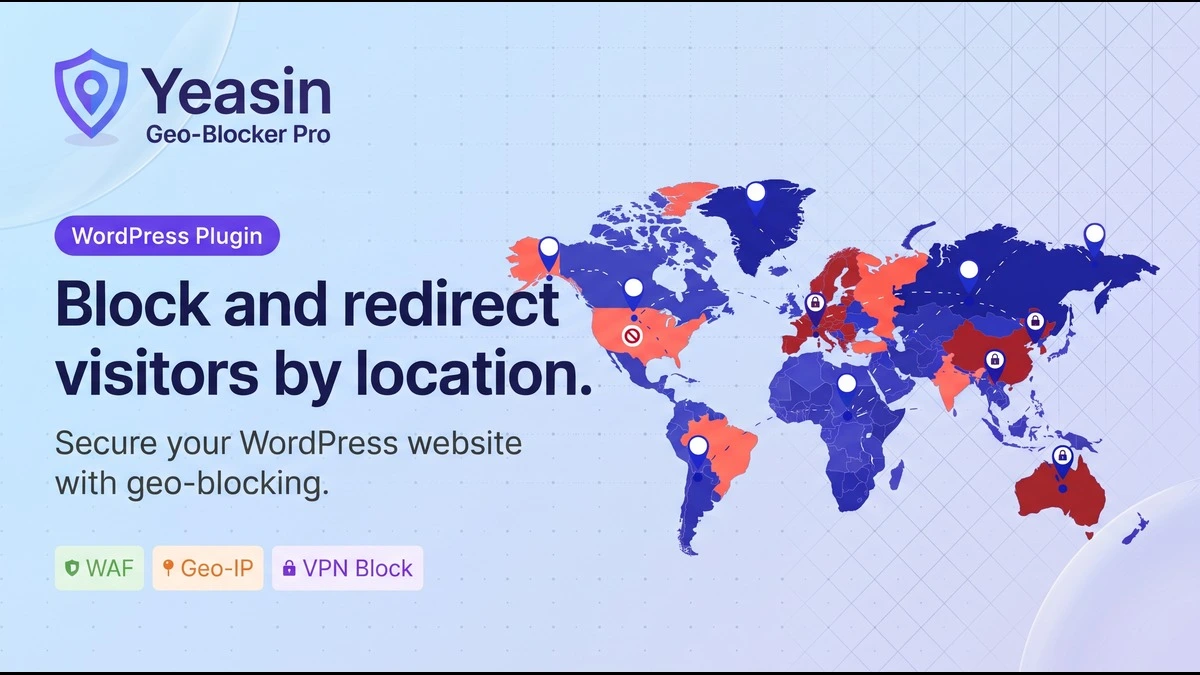
Protect your WordPress website from unwanted traffic, malicious bots, and spam. Yeasin Geo-Blocker is an enterprise-grade security plugin offering zero-latency country and IP blocking using a highly optimized local database. Control exactly who can access your frontend and wp-admin dashboard with a premium, easy-to-use interface.
Restrict access completely by Country, State, or City. Control exactly who can view your website down to the city level.
Automatically send users from specific regions to different URLs. Seamlessly route international traffic to localized versions of your site.
Hide products, checkouts, or specific payment gateways by location. Optimize your store's compliance and shipping availability.
Hide/Show Elementor Widgets or use shortcodes based on location. Create highly personalized, location-aware pages.
Block VPNs, Tor networks, API attacks, and limit rate requests. Defend your site from sophisticated bots and brute-force attacks.
Generate custom tokens to allow team members to bypass blocks. Ensure your remote staff always has secure access.
Apply Preset Themes, custom logos, and typography to the block screen. Keep your security warnings on-brand and professional.
Monitor all blocked attempts with precise locations and export to CSV. Gain valuable insights into where your threats are coming from.
Get automated weekly database updates for perfect IP accuracy. Never worry about outdated IP ranges compromising your security.
Navigate to Plugins > Add New in your WordPress dashboard, search for "Yeasin Geo-Blocker", and click Install. Alternatively, upload the downloaded .zip file manually.
Click the Activate button. A new secure menu item named "Geo-Blocker" will appear in your WordPress admin sidebar.
Go to the Geo-Blocker dashboard, select your protection scope (Frontend/Backend), choose the countries to block or allow, and click Save Settings.
Yes. The free version on WordPress.org includes country whitelist and blacklist modes, IPv4/IPv6 allow and block rules, frontend/backend/both protection scopes, a local GeoLite2 database, SEO bot bypass, Cloudflare support, a custom block message and a log of the last 100 blocked attempts. Pro adds state and city rules, redirects, WooCommerce restrictions, VPN/Tor blocking, rate limiting, secret bypass links and more.
No. Google, Bing and Yahoo crawlers are automatically allowed through, so search engines can always reach your content even if you block the country they crawl from. Read How to Block Countries in WordPress for details.
Yes. Set the protection scope to Backend. Your public site stays open to everyone while bots from other countries never see your login form. See How to Protect wp-admin by Country and IP.
Yes. The plugin reads Cloudflare and proxy headers to detect the visitor's real IP address, so your rules apply to the actual visitor, not the proxy.
A VPN can hide a visitor's real country. Yeasin Geo-Blocker Pro adds VPN and Tor blocking plus rate limiting for stricter protection.
No. Country lookups use a local GeoLite2 database on your own server, so there is no external API request on every page view. Pro keeps the database current with automatic weekly MaxMind updates.
Always add your own IP address to the allow list before enabling strict rules. If you get locked out, rename the plugin folder in wp-content/plugins using your hosting file manager or FTP to disable it, then fix your rules.
Pro is a one-time payment with lifetime updates, starting at $29 for 2 sites. Payments are processed securely by Paddle. See our refund policy for the 14-day technical guarantee.
Need help configuring this plugin or facing a technical issue? Our engineering team is here to help.
Open a Support TicketLock down wp-admin and the WordPress login page by country and IP address, without affecting your public site. Step-by-step setup, testing, and how to avoid locking yourself out.
A step-by-step guide to blocking countries and IP addresses in WordPress: blacklist vs whitelist, protecting the frontend or wp-admin, and the mistakes that lock out customers or search engines.
Join modern developers and site owners using our premium WordPress tools to save time and scale faster.
Starter Plan (2 Sites)
Freelancer Plan (5 Sites)
Agency Plan (Unlimited Sites)